> ## Documentation Index
> Fetch the complete documentation index at: https://support.wepayments.com.br/llms.txt
> Use this file to discover all available pages before exploring further.
# Creating Settlements
Settlements represent the movement of funds from processed transactions into your account balance.
They provide visibility into how and when funds become available, helping you monitor financial activity and reconcile operations.
## **How to create a Settlement**
On you portal page, in the left sections, you will go to Account > Settlement. There, you can request a new settlement, chose the accounts from where you want to settle and check all balance available for settlement.
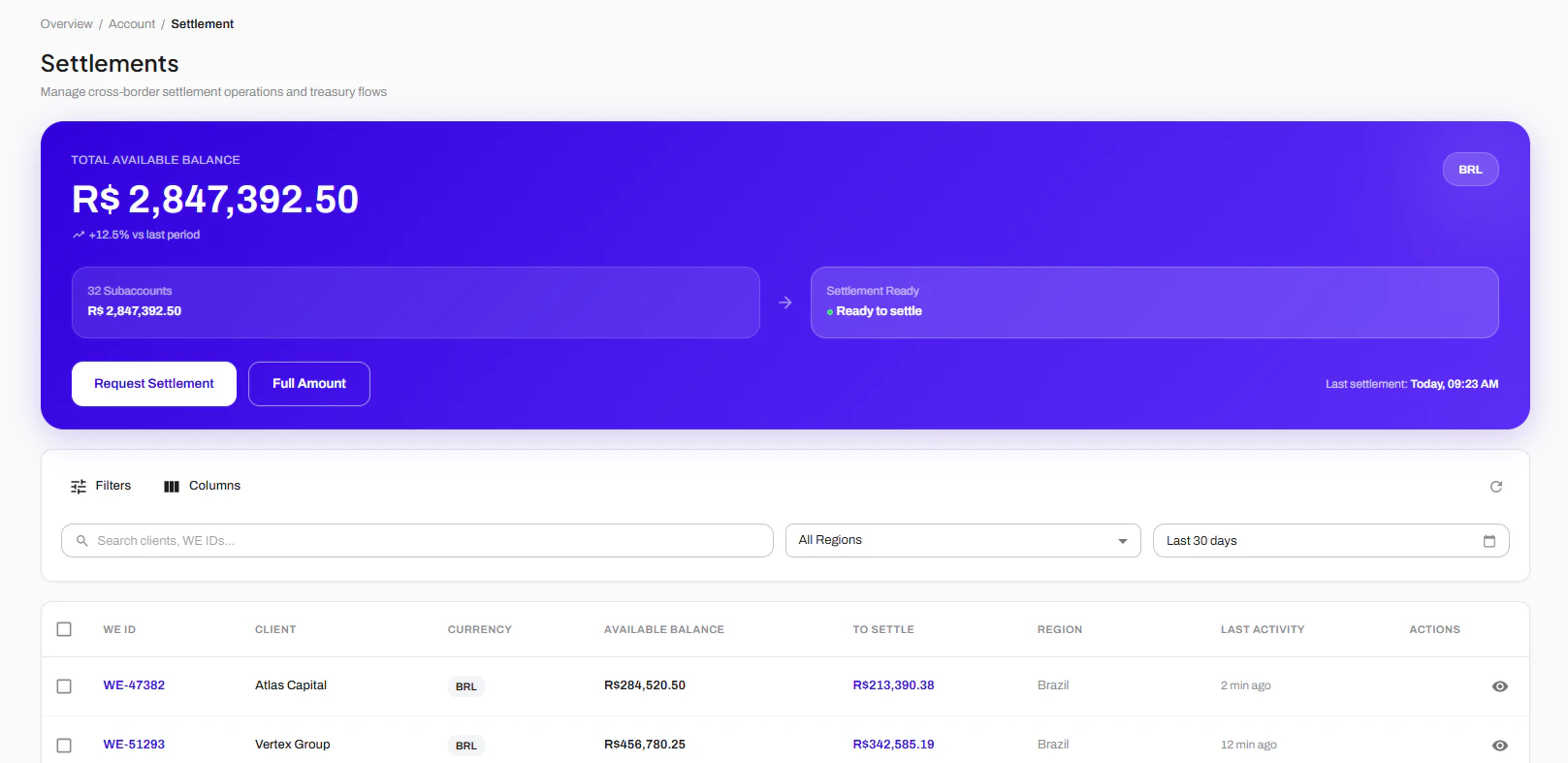 If you are a PSP will many sub-merchants and sub accounts inside your account, you can also check in this page all money available for settlement for each one of your subs.
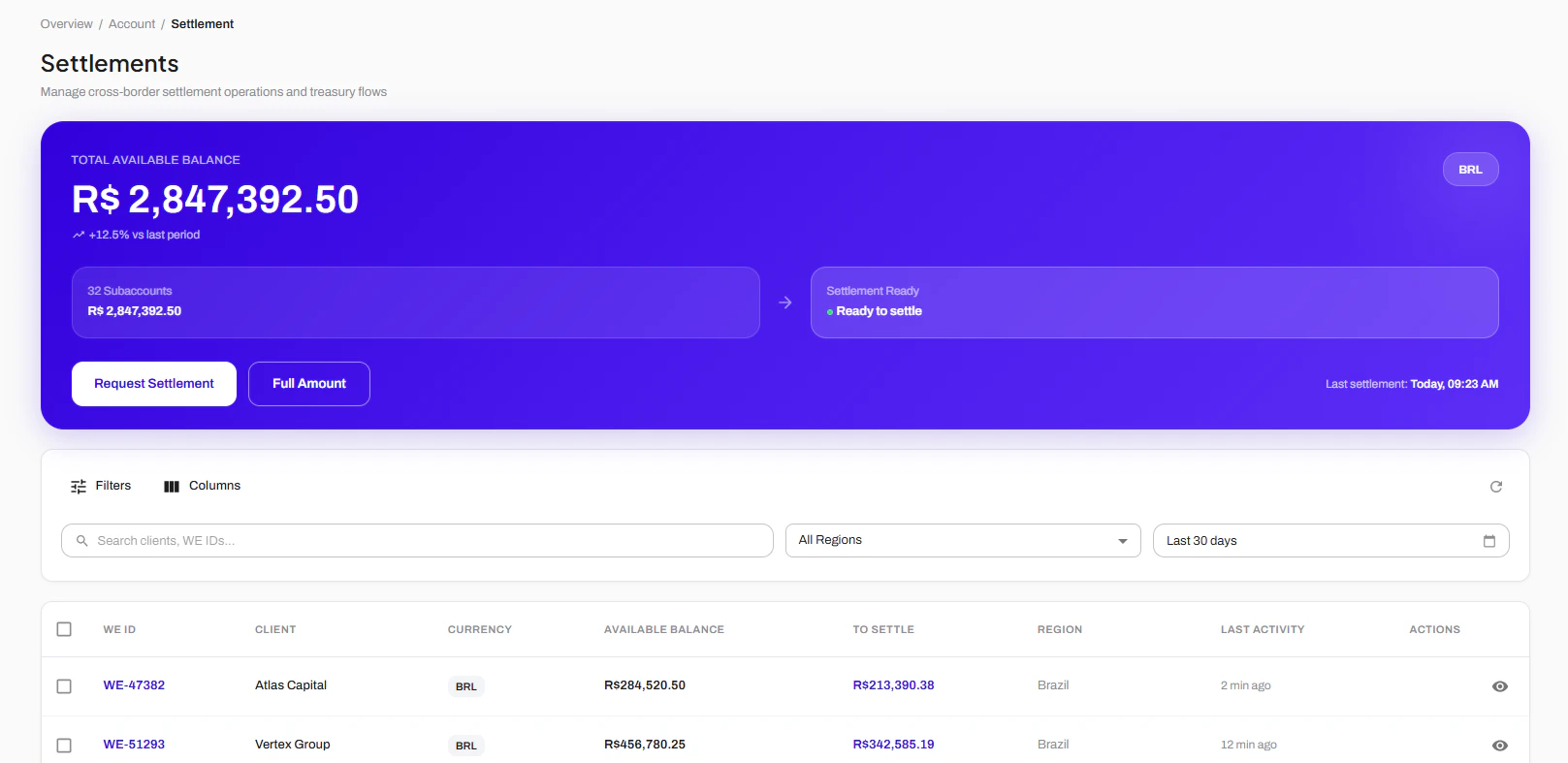 You can chose the specific sub-accounts and the specific amount you want to settle. After choosing, you'll press "Request Settlement" and confirm the operation.